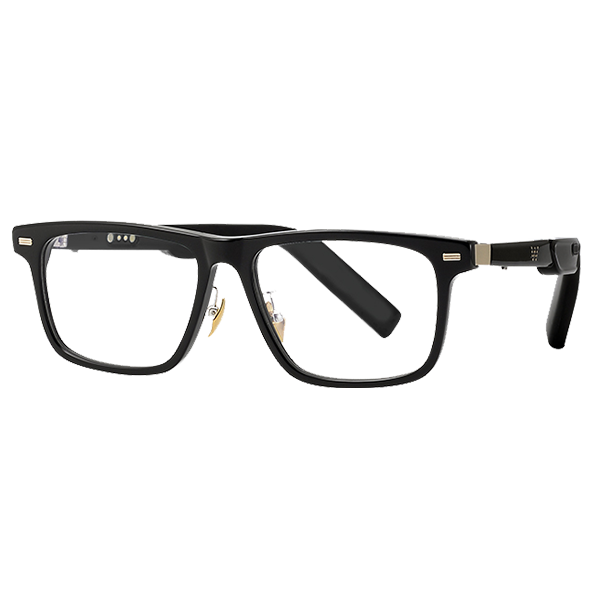
Why Are Tech Glasses in High Demand?

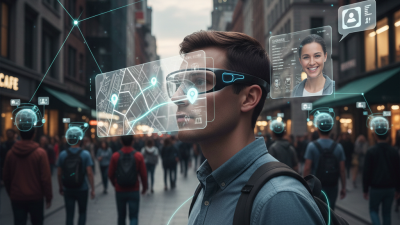
Why are Tech Glasses attracting so much attention? The answer is not just novelty. These wearable devices bring cameras, audio, voice assistants, and notifications closer to everyday life. A quick spoken request can provide directions while someone walks, or capture a moment without reaching for a phone. The appeal is practical: fewer interruptions and more immediate access to information. Mark Zuckerberg, Meta’s CEO, has called glasses “the ideal form factor for AI.” His view reflects a broader industry bet: technology may feel more useful when it fits naturally into familiar routines.

Small details count. Lightweight frames, clear sound, comfortable controls, and dependable battery life can shape whether people wear Tech Glasses beyond a demonstration. Hands-free features may help commuters, travelers, and people who want quick access to digital assistance. Yet demand also depends on trust. Users need clear choices about recording, data handling, and when a device is active. Design matters, but so does restraint. A camera beside the lens can make bystanders uneasy, even when the wearer has good intentions. The category still has rough edges; battery life and social acceptance are not solved everywhere. That deserves honest attention. This outline explores the forces behind rising interest, the features buyers value, and the concerns that could limit adoption. It also considers whether Tech Glasses are becoming everyday tools—or remain an intriguing experiment.
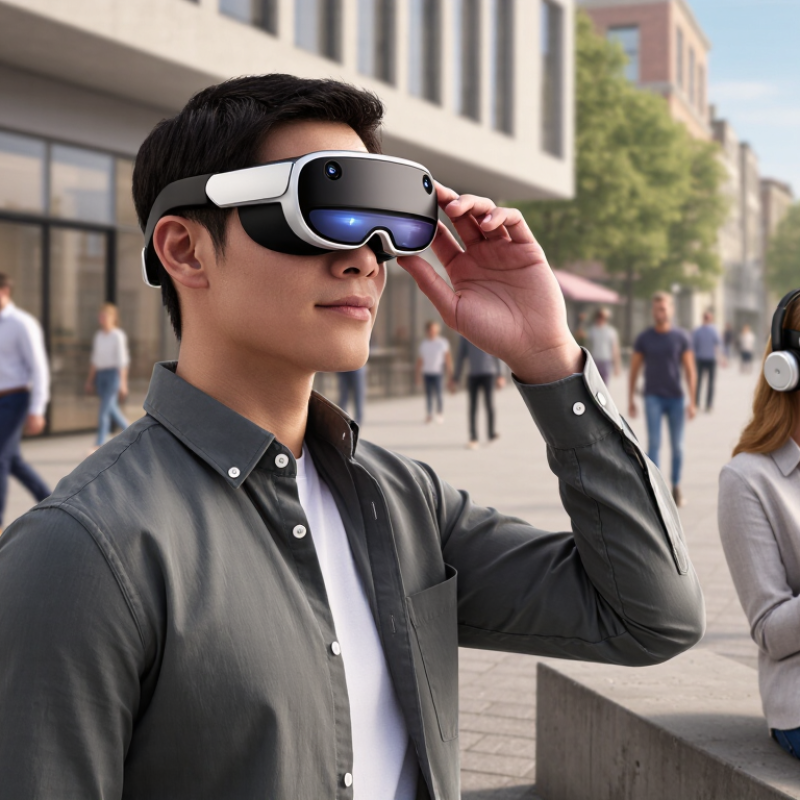
Why Are Tech Glasses in High Demand?

What Are Tech Glasses and How Do They Work?

Tech glasses are eyewear with small electronic components built into the frame. Depending on the design, they may show simple information, capture photos, play audio, or connect to a phone. Some use a tiny display near one lens; others have no screen at all. The term covers several different products, which can make comparisons confusing.

They work through a combination of sensors, microphones, speakers, and wireless connections. A motion sensor can detect head movement, while a microphone picks up voice commands or calls. If the glasses include a display, a miniature projector or waveguide directs images toward the wearer’s eye. The effect is often more like a floating notification than a full computer screen. Setup usually involves charging the glasses and pairing them with a compatible phone.

Small details matter. A bright outdoor street can make a display harder to see, and open-ear speakers may be difficult to hear in traffic. Battery life also varies with features and use. In a shop, the frame may feel light; after several hours, its weight can press on the nose. That is easy to overlook. It is worth checking comfort, prescription options, privacy indicators, and controls before choosing a pair. These devices are still evolving, and some advertised functions may feel less seamless in everyday use.
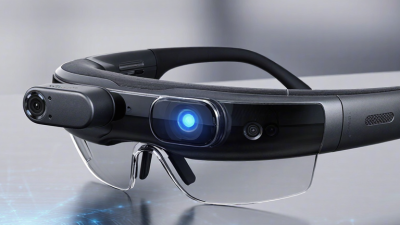
Which Features Make Tech Glasses Useful?

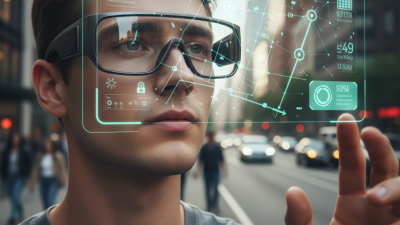
Useful tech glasses put small, timely tools within reach without asking you to pull out a phone. A clear heads-up display can show directions at a street corner or a reminder while your hands carry groceries. Voice controls help when tapping a screen would be awkward, though they work best in quiet places. That matters. Open-ear audio can provide navigation cues while leaving you aware of traffic and nearby conversation. The feature should support attention, not compete with it.

Comfort decides whether these features get used. Lightweight frames, balanced weight, adjustable nose pads, and lenses suited to daylight make a difference after an hour outdoors. Battery life matters too; a device that needs charging before lunch quickly becomes a drawer item. Simple controls and readable text reduce fumbling, especially in bright light. Some displays still feel distracting, and voice recognition can misunderstand a street name. I would not treat every alert as urgent. Privacy controls also deserve a close look, including clear ways to pause microphones or cameras. Less is more. The most useful pair fits naturally into a routine, rather than turning every walk into another screen session.

Why Are Tech Glasses in High Demand? Which Features Make Them Useful?

This illustrative comparison rates common features on a 1–5 usefulness scale. Ratings are editorial estimates, not results from a published user survey. Hands-free audio and voice controls can make everyday tasks easier, while cameras and displays offer additional convenience.

Why Is Demand for Tech Glasses Increasing?

Why Is Demand for Tech Glasses Increasing?

Demand is rising because people want useful digital tools without holding a phone. Tech glasses can deliver calls, directions, audio, and quick photo capture while leaving hands free. That convenience fits commuting, travel, and field work. Small frames now hold lighter sensors, microphones, and batteries than earlier designs. The experience still varies, though. Some features feel helpful; others can distract.

Grand View Research estimated the global smart-glasses market at USD 1.93 billion in 2023 and projected a 13.3% compound annual growth rate from 2024 to 2030. This forecast signals commercial momentum, not guaranteed adoption. Buyers are also drawn to discreet displays and voice controls, which can reduce repeated phone checks. Yet comfort, battery life, prescription compatibility, and privacy remain real concerns. A stylish frame is not enough.

Tips: Check weight and fit before buying. Test the controls in bright light and noisy streets. Review what data the device collects. Small details matter. The market forecast is useful, but personal comfort should guide the choice.

Why Are Tech Glasses in High Demand? - Why Is Demand for Tech Glasses Increasing?
Tech glasses include wearable eyewear with features such as audio, cameras, displays, connectivity, or hands-free digital assistance. The factors below describe plausible demand drivers, not measured sales contributions.
Demand driver What is changing Why it can increase demand Evidence and important caveat
Hands-free access to digital tools Some eyewear can provide audio, notifications, camera functions, or visual prompts without requiring a user to hold a phone. This can be useful when walking, working with both hands, or needing quick access to information. The benefit depends on the task. Notifications and cameras may be distracting or inappropriate in some settings.
Voice interfaces and AI assistance Voice recognition and AI services can support spoken queries, transcription, translation, or context-aware assistance, depending on the device and software. A familiar voice interaction may make certain digital tasks quicker and more convenient while a user is on the move. Features vary, and many rely on an internet connection or a paired phone. Recognition quality, privacy, and battery life remain relevant limitations.
More everyday-looking designs Designs that resemble conventional eyewear may feel more suitable for daily use than conspicuous head-mounted equipment. Greater comfort and social acceptability can make people more willing to wear a device regularly. This is a potential adoption factor, not a guarantee: fit, weight, style, durability, and prescription compatibility differ by product and wearer.
Connected work and field tasks Wearable displays or audio can deliver instructions, checklists, or remote guidance while a worker remains hands-free. Specific jobs may benefit when workers need to consult information without repeatedly looking down at a separate screen. Usefulness is task-specific. Workplace adoption also depends on safety, training, data protection, and demonstrated value.
Accessibility possibilities Depending on their features, some devices can offer audio descriptions, captions, magnification, or spoken information. These functions may help some people access information in particular situations and could broaden the range of potential users. The World Health Organization estimates that at least 2.2 billion people have near or distance vision impairment. This is a global vision-health estimate, not a measure of demand for tech glasses; smart glasses are not automatically vision-correction devices. WHO source
Improving hardware and connectivity Small cameras, microphones, wireless connections, and compact displays make a wider range of eyewear functions technically possible. As useful features become available in wearable formats, some consumers and organizations may see more reasons to consider the category. Technical capability alone does not establish consumer demand. Battery life, heat, connectivity, cost, and reliability can constrain everyday use.
Potential to combine several devices A single pair of glasses may combine selected functions that would otherwise be accessed through separate devices or accessories. Convenience may appeal to users who want fewer steps or less equipment for a particular activity. Consolidation is not universal: glasses may still depend on a phone, and users may prefer dedicated devices for some tasks.

Who Uses Tech Glasses and in Which Settings?

Tech glasses are used by people who need information without repeatedly looking down at a phone. In warehouses, staff may check item details while keeping both hands free. A technician repairing a machine can view a short checklist beside the equipment, rather than balancing a tablet on a nearby shelf. Small gains can matter during repetitive tasks.

Field engineers and utility crews may use them to view diagrams or receive remote guidance at a worksite. In training rooms, instructors can show a procedure from their own viewpoint, helping learners notice hand position and tool placement. Healthcare teams may also use hands-free displays for selected reference tasks, though these devices do not replace professional judgment or established clinical processes. The setting matters.

Consumers use tech glasses for navigation, calls, audio, and, on some models, captions or visual prompts. A commuter might follow a walking route while carrying a bag, then pause to read a message in a noisy station. People with accessibility needs may find certain features useful, but benefits vary by vision, hearing, comfort, and device design. That difference deserves attention.

The fit is still a weak point. Frames can feel heavy after an hour, and bright sunlight may make a display hard to read. Privacy also requires care in shared spaces, especially when a device has a camera. Not every task suits them. Teams usually learn more from a short, supervised trial than from assuming the glasses will work well everywhere.

What Challenges Affect Their Wider Adoption?

Tech glasses attract interest because they can place directions, calls, or quick notes within easy reach. Yet fitting a small computer into an ordinary-looking frame creates practical trade-offs. A pair may feel light in a store but press uncomfortably behind the ears after a long commute. Small details matter.

Battery life is one hurdle.

A bright display, voice controls, and frequent notifications can drain a compact battery before the day ends. Users may also need to recharge the glasses alongside a phone and earbuds. That routine can feel less seamless than the product promise suggests.

Prescription lenses add another challenge:

people need a clear view, a comfortable fit, and compatible features at the same time. Not every frame suits every face or vision need.

Privacy and social comfort can slow adoption, too.

A visible camera may make nearby people wonder when it is recording, even if the wearer is only checking directions. Clear recording indicators help, but they cannot remove every awkward moment.

Price matters as well, especially when features or fit do not meet daily needs. It is easy to underestimate how often people simply want glasses that work without extra setup.